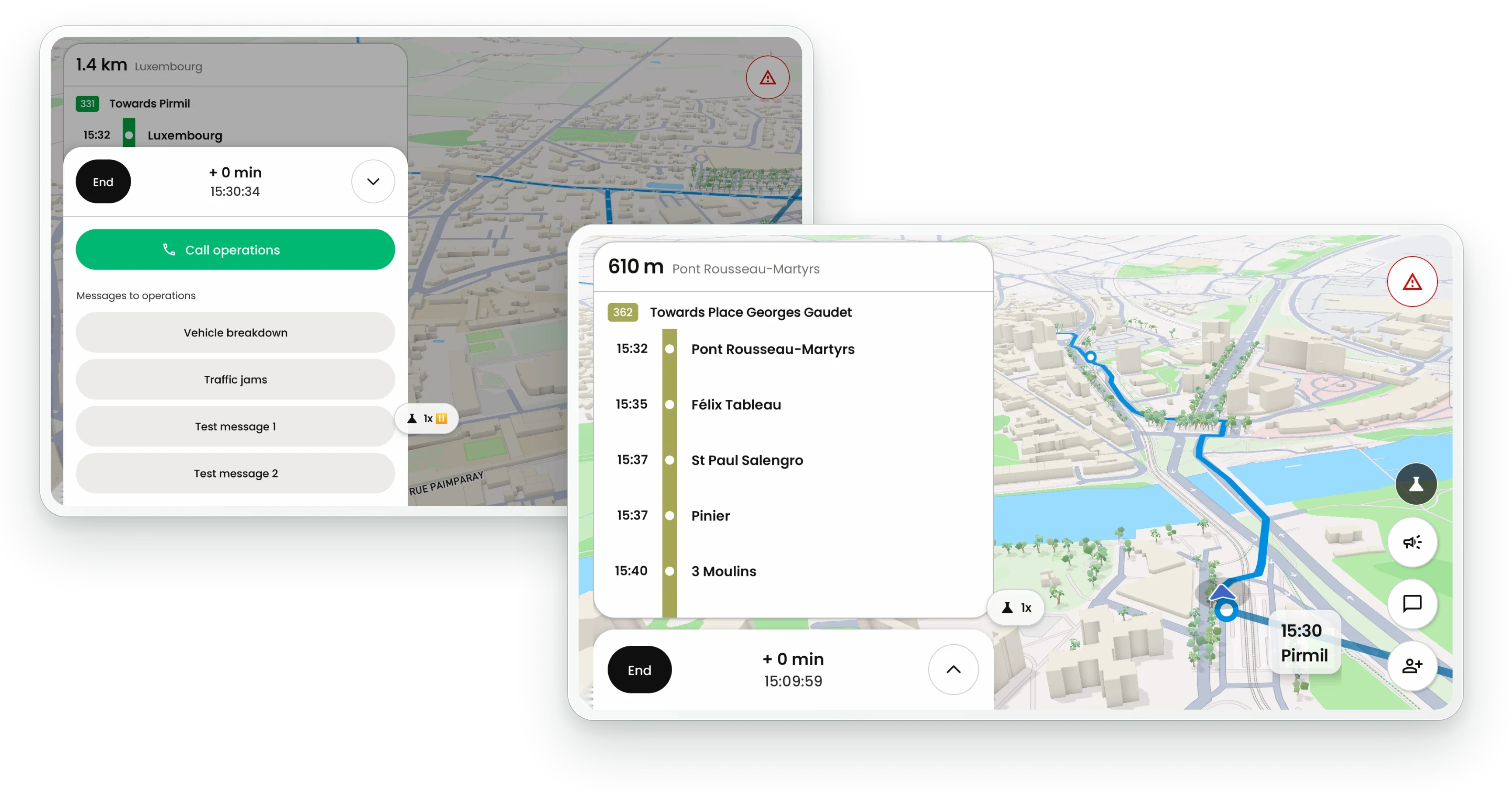
How does the driver know the route and the next stop?
The 3D map shows the route to follow and the distance to the next stop. Beside it, the line thermometer lists the upcoming stops with their scheduled times. Deviations and cancellations decided by the control room appear on the route straight away.
- Distance to the next stop and the upcoming stops with their scheduled times
- 3D map with the route to follow, including deviations sent by the control room
- Since Driver V6, positions are kept on the device when the network drops and sent once it returns
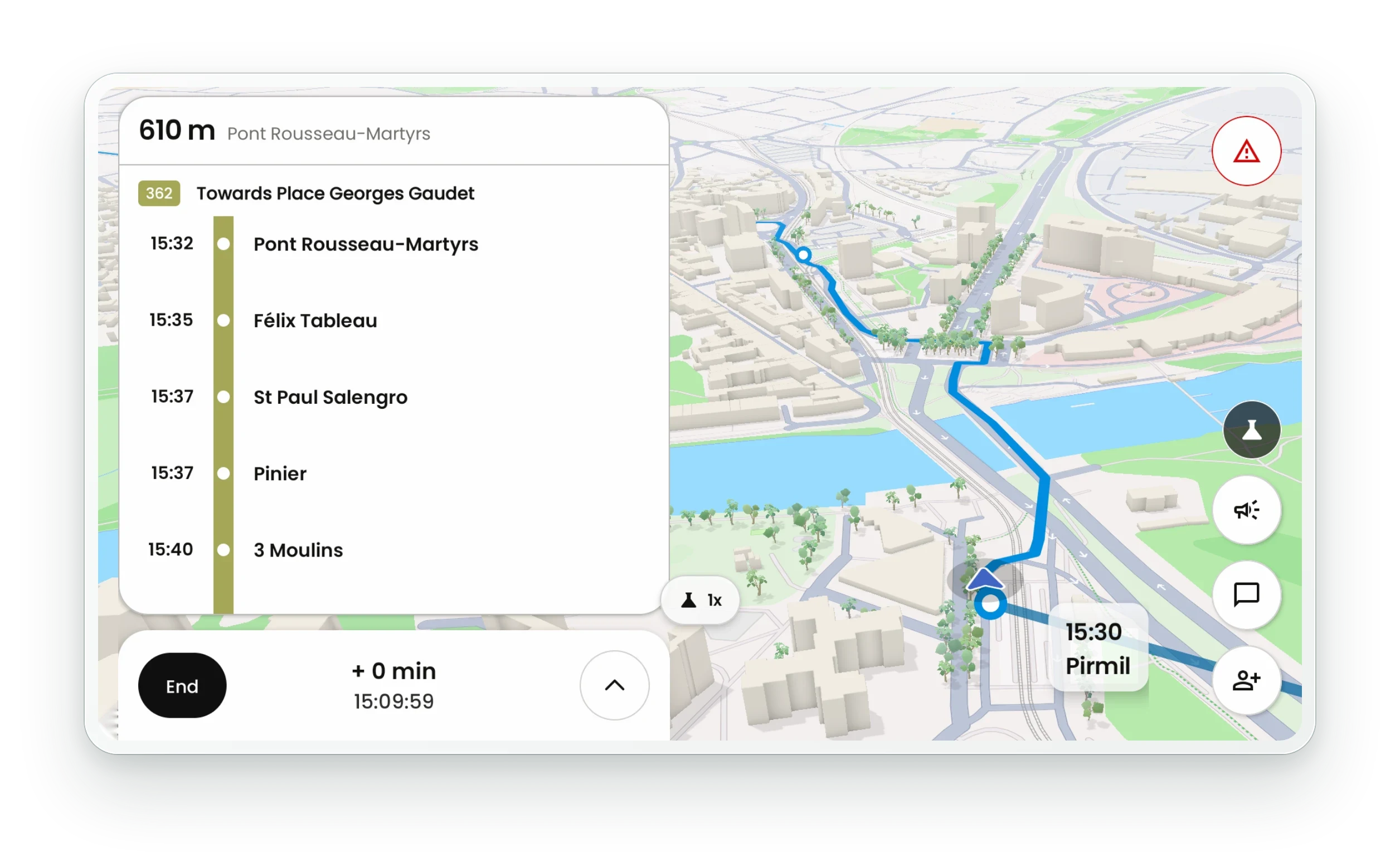
Is the driver early or late against the timetable?
The bar at the bottom of the screen shows the driver's lead or delay in minutes, recalculated continuously against the timetable. It turns orange when the bus runs late. The control room sees the same figure in real time.
- Lead or delay in minutes, always on screen
- Colour change when the bus runs late
- The same figure reaches the control room
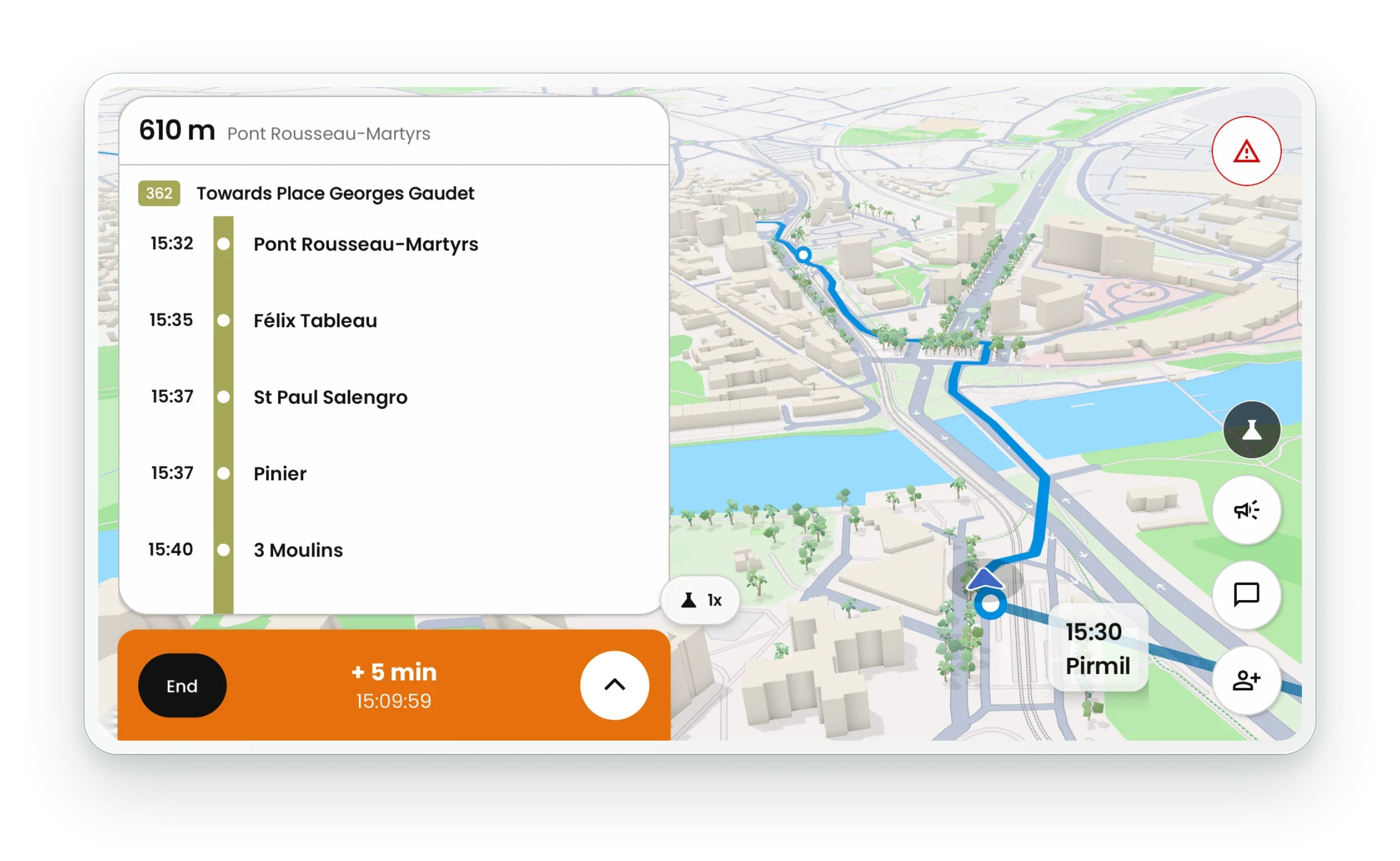
How does a driver reach the control room without leaving the cab?
From the driving screen, the driver calls the control room with one tap or sends a preset message, such as vehicle breakdown or traffic jam; each network sets its own list. In an emergency, the red button raises an urgent alert in the control room. Controllers reply in the app and can push a pop-up alert to every driver.
- One-tap call to the control room
- Preset messages defined by each network
- Emergency alert button always on screen
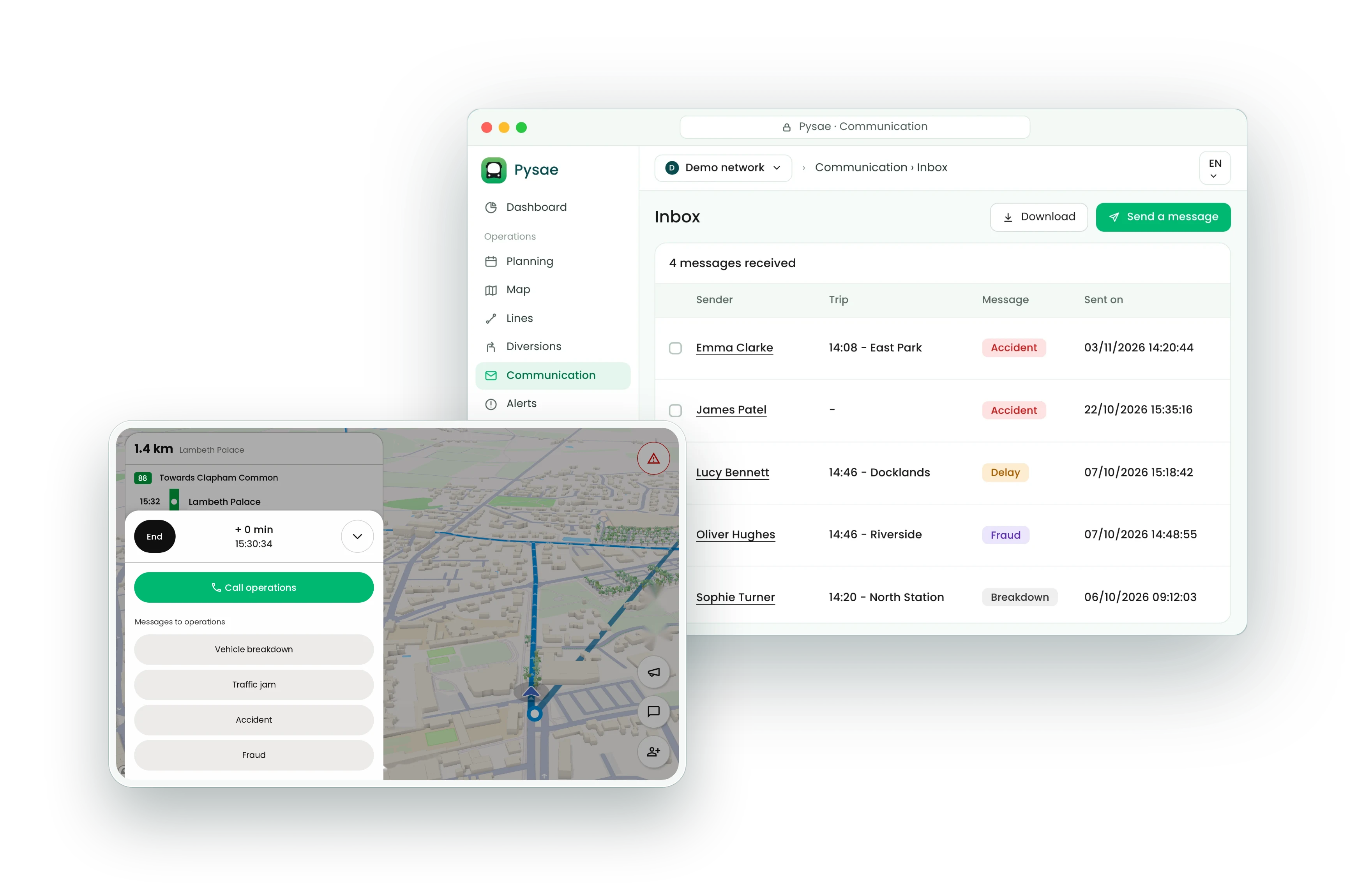
What else does the driver run on board from the same screen?
The driver logs in once at the start of the shift: passenger information displays, ticketing and passenger counting are activated with that single login. From the same screen, the driver plays preset audio announcements inside the bus and counts boarding passengers by hand where no automatic counter is fitted.
One login activates passenger displays, ticketing and passenger counters
Preset audio announcements played inside the bus in one tap
Manual passenger counting when no automatic counter is fitted
New onboard systems can be connected later