Which scheduling steps does Pysae Shift cover, from timetable to payroll?
Eight steps in one tool. Each step publishes a file, and the next step only uses published files, so nothing changes under your planners' feet.
Timetable
Trips per line for weekdays, Saturdays and Sundays, on a graphic timetable. Import a GTFS or Excel file, or generate trips from a frequency.
Depots and start points
The depots and stations where buses enter and leave service.
Vehicle schedules
Trips chained into vehicle blocks (bus workings), optimised with presets you choose.
Driver duties
Legal duties built from the published vehicle schedules: morning, afternoon, evening and split shifts.
Rosters
Rosters (rotas) generated in one run over the period you choose, with Sundays, nights and public holidays shared fairly.
Allocation
Drivers and buses allocated in one step, with leave, qualifications and restrictions applied.
Day of operations
Today's operations in real time: absences, broken buses, delays and cancelled trips, handled in one click.
Payroll export
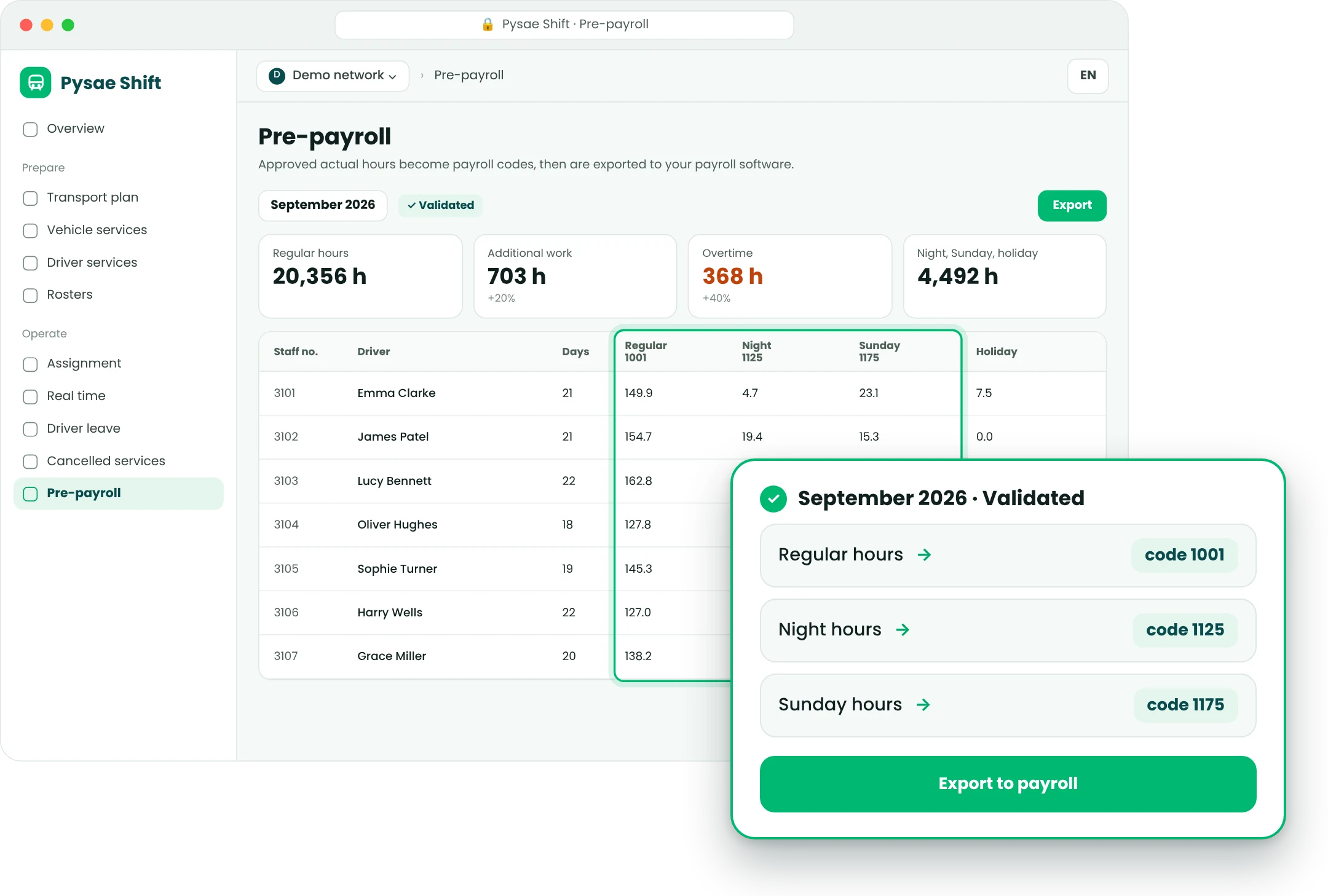
Hours worked taken from the final plan and exported in your payroll codes.
Draft, then publish
Each layer works on files. Nothing reaches the next layer until a planner publishes it, and the previous version stays available.
Alerts, never blocks
Rules flag every problem as you plan. Your planners see why, and keep the final say.
Drag and drop everywhere
Move a trip, a duty or a driver by hand. Anything left over waits in an Unassigned tray.
How does Shift build duties and rosters, and handle the day of operations?
The optimiser does the heavy lifting. Your planners compare, adjust and publish.
How are vehicle schedules and driver duties generated?
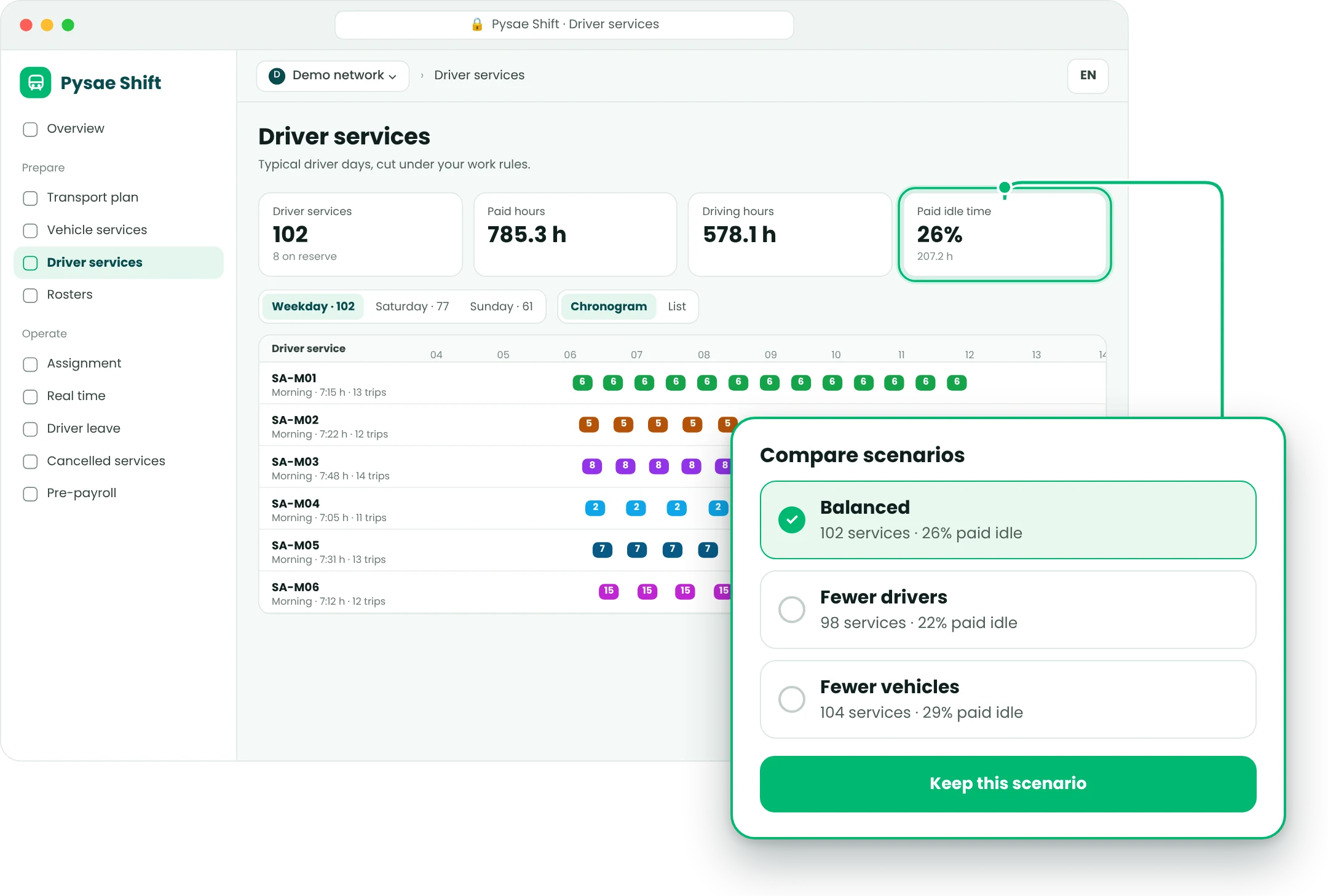
Shift chains the trips of the published timetable into vehicle schedules, then builds legal driver duties on top of them. Run several scenarios side by side and keep the one that fits.
- Presets: balanced, fewer vehicles, fewer drivers, less dead mileage
- Trade-offs set to low, medium or high; hard limits on spread-over (span), layover and gaps are never exceeded
- Breaks, dead running (deadheads), layovers and relief points as time types, paid or not
How are drivers and buses allocated to duties?
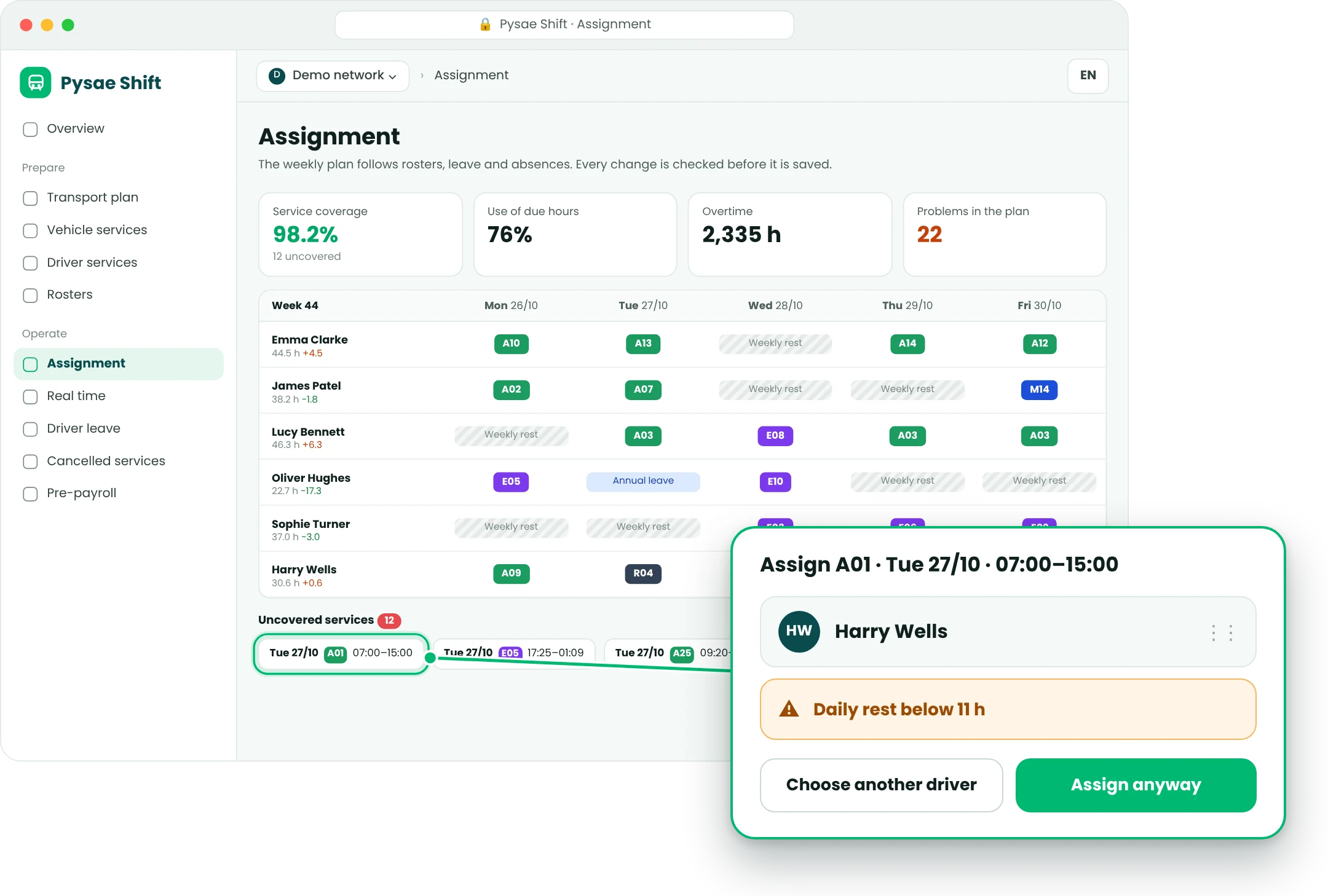
Rosters are generated over the period you choose, with positions rather than names. The allocation plan then puts drivers and buses on them in one step, in a Drivers view and a Vehicles view of the same plan.
- Leave and absences applied before anything is allocated
- Restrictions, qualifications and preferred buses respected
- Coverage, overtime and open problems shown on top of the plan
What happens when the day of operations does not go to plan?
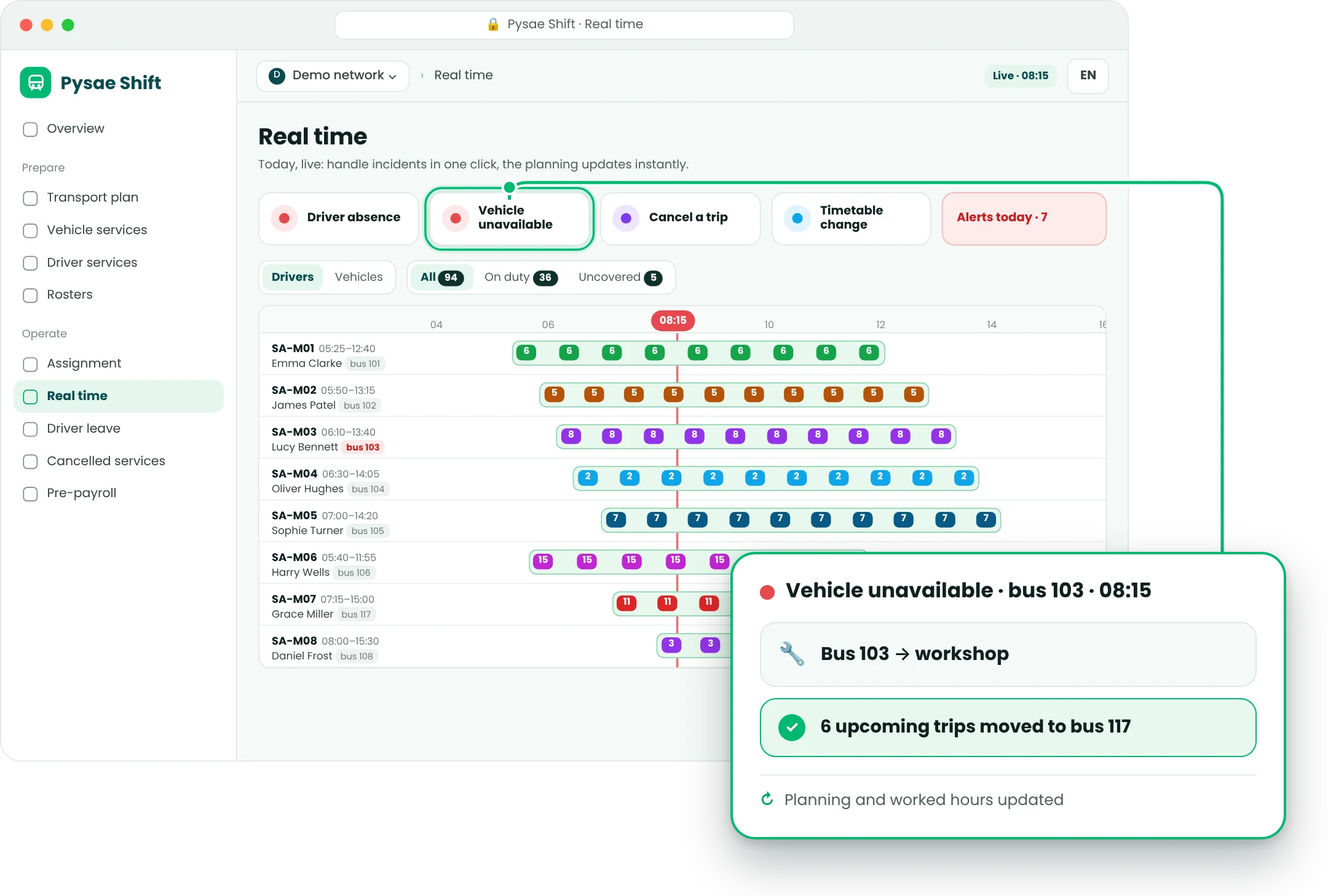
The Real time view shows today only, with a moving time line and live alerts. Every change flows straight into the planning and into the hours worked, so month-end has nothing to reconcile.
- One-click incidents: driver absence, vehicle unavailable, cancelled trip, timetable change, stopped line
- A broken bus goes to the workshop; its next trips wait for a replacement
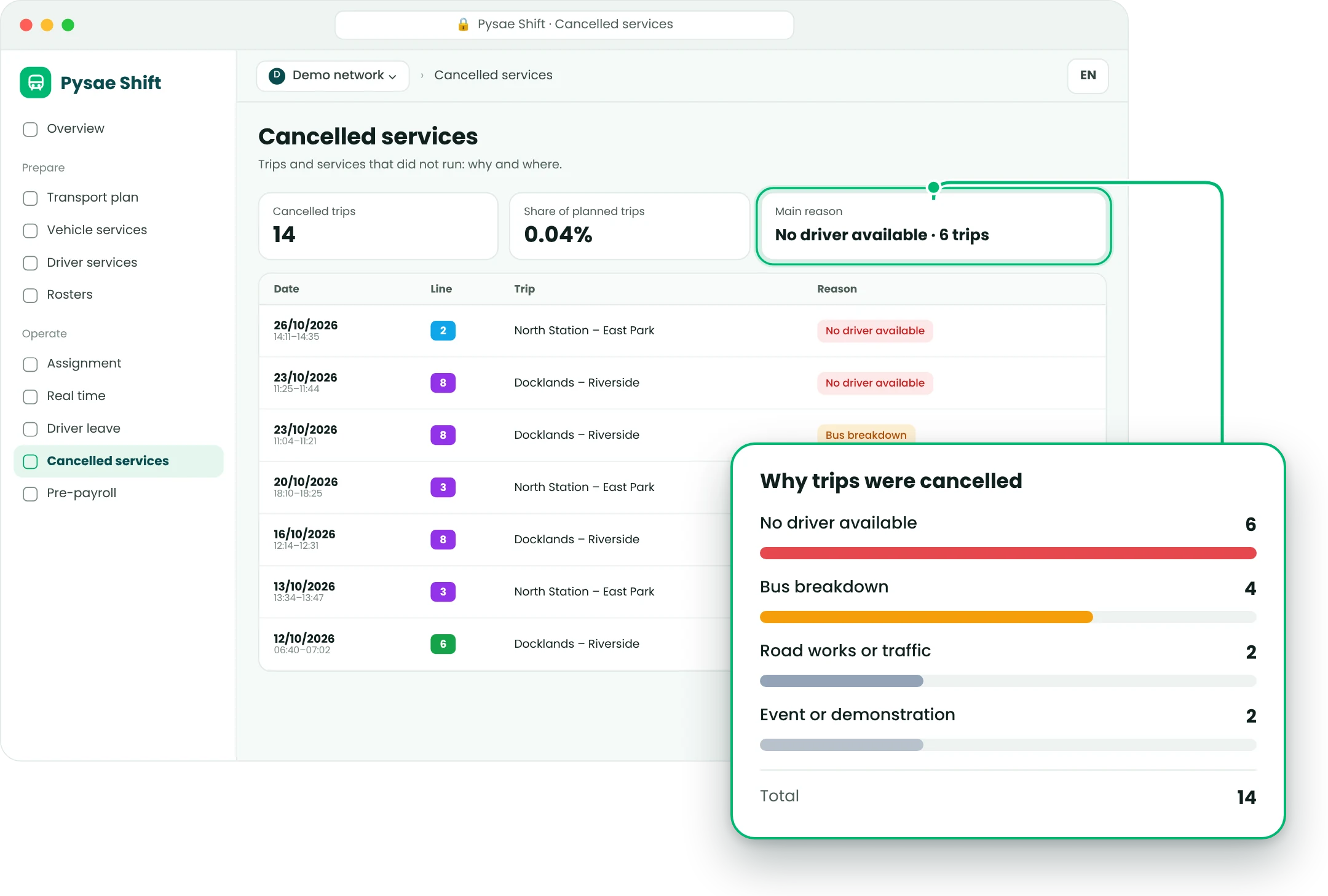
- Every trip that did not run is logged with its reason, ready for your monthly report
Will Shift fit your working-time rules and existing systems?
Shift adapts to your country, your agreements and the tools you already run.
Working-time rules by level
The rules catalogue for your country is reviewed and validated with you before go-live.
Your data in, your payroll out
Shift
File exchange first, APIs next. No IT project to start.
Built for European operators
Interface in English, French, German, Greek, Italian and Spanish.
Part of the Pysae platform, open by design: GTFS, GTFS-RT, NeTEx, SIRI, ITxPT.